Welcome
Understand SafeTrace before you sign in
How it works
Five calm steps: alert your people, share your trip, open an incident record, prepare materials, confirm school pickup.
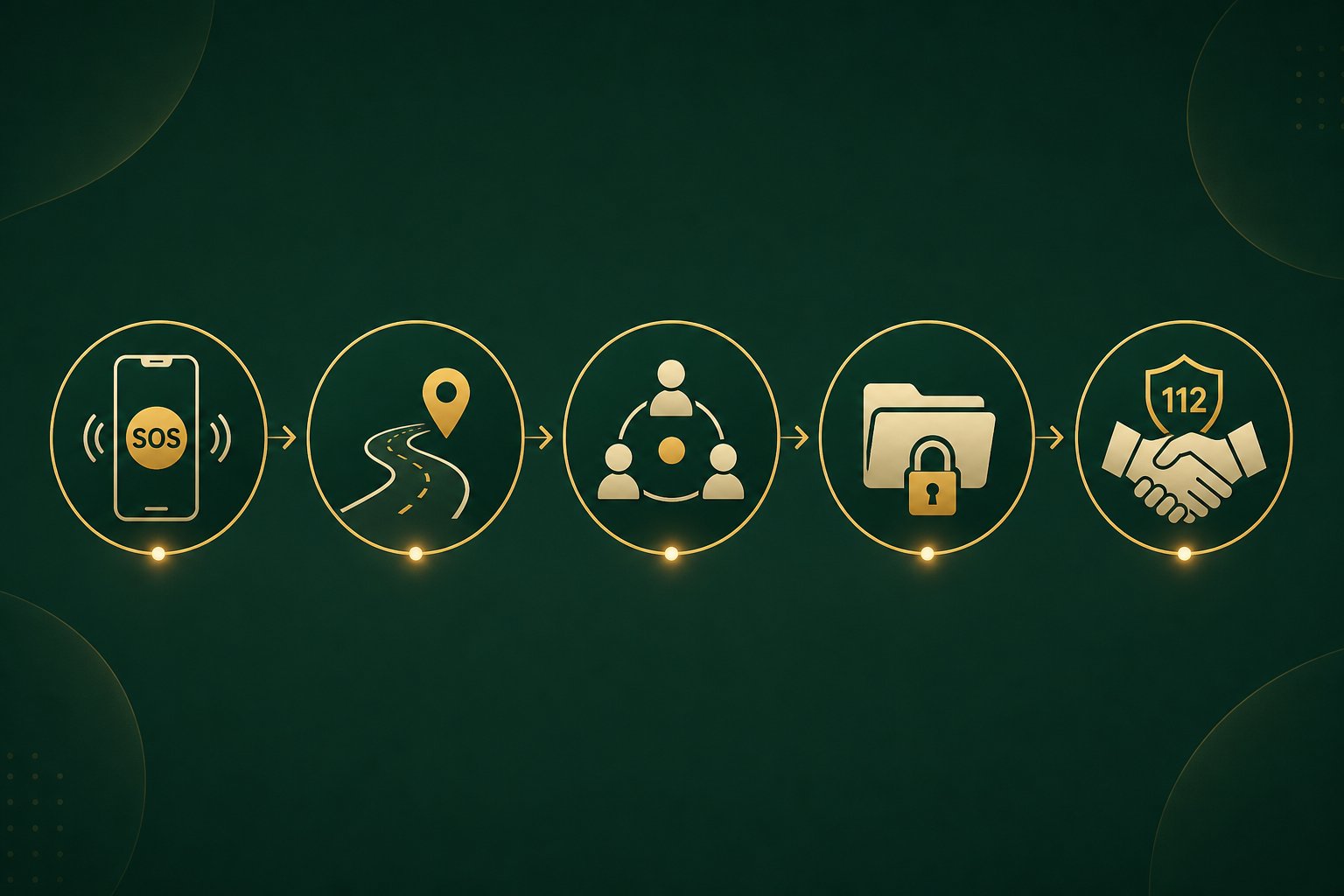
How SafeTrace works
Privacy-conscious support for families, schools, and organisations in the first 24 hours after someone goes missing or is taken.
- SOS
- Trip
- File
- Papers
- School
Who receives an alert
- Your trusted contacts receive email on the address you add today, with SMS and WhatsApp to their phone number joining once connected. They do not need the SafeTrace app.
- SafeTrace opens a family incident record and logs the alert on a shared timeline your authorised participants can follow.
- Alerts do not go to authorities automatically, do not open an official authority file, and delivery is not guaranteed. Call 112 when life is at immediate risk.

Send an alert
Press when you need help. Your trusted circle gets your location by email. Call 112 if danger is immediate.
Add at least two trusted contacts first. Tick the consent box, then press the alert button on your dashboard or in the mobile app.

Share your trip
Start SafeTrip before you travel. Check in on time so people know you are safe.
Share your route on WhatsApp, capture check-in photos, and let family follow your journey until you arrive.

Open your incident record
One timeline for your family. Witness notes and call logs in one place.
Everyone you authorise sees the same sequence of events, so nothing important gets lost in group chats.

Prepare handoff materials
Photos, notes, and times in a tamper-evident package for your adviser or authorised contact.
Export only when your family is ready. Review everything together before sharing outside your trusted circle.

Confirm school pickup
A parent must confirm by text before a child leaves school.
Schools and estates can hold release until the right guardian approves — no ambiguous handoffs at the gate.
Compare plans, sign in, then alert your family.